Articles
Guides, ideas and strategies for YouTubers building a GTA 6 channel — branding, thumbnails, channel names, growth and launch-day planning.
- GTA 6 YouTube SEO: Titles, Descriptions and Tags That Rank
 GTA 6 YouTube SEO is three fields: a 100-character title, a 5,000-character description, and chapters that must start at 00:00. Plus the 60-hashtag cap most guides get wrong.
 - GTA 6 Thumbnail A/B Testing: 3 Variants, One WinnerGTA 6 thumbnail A/B testing with YouTube’s Test & Compare: up to three thumbnails per video, a winner decided by watch time share, and the launch-week math behind 21 thumbnails.
- GTA 6 YouTube Monetization: Both Tiers and the Real NumbersGTA 6 YouTube monetization runs on two gates — 500 subscribers and 3,000 watch hours for fan funding, 1,000 and 4,000 for ads. The exact numbers, the policies and the launch-week timing.
- GTA 6 Vice City Aesthetic: The Channel Branding Guide
 The GTA 6 Vice City aesthetic in hex: the six-color palette, the type that carries it, where each cue belongs on banner, logo and thumbnails, and what you can never copy.
 - GTA 6 Preload: Date, File Size and the Creator ChecklistGTA 6 preload starts November 12, 2026 for digital pre-orders. What Rockstar actually confirmed, why the 200 GB file size claim is invented, the regional unlock windows, and the creator checklist.
- GTA 6 YouTube Channel Layout: Sections, Playlists and CoversA GTA 6 YouTube channel layout gets up to 12 custom sections. The order that converts launch-week visitors, the six playlists to build first, and the real playlist cover specs.
- GTA 6 YouTube Channel Description: Template, Keywords, Links
 A GTA 6 YouTube channel description gets 1,000 characters but only about 110 ever show. The fill-in template, the 500-character keywords field, and the five links that sit on your banner.
 - YouTube Banner Ideas: 10 Layouts That Survive Every CropTen YouTube banner ideas for gaming channels, the 1235 x 338 core every layout has to respect, Vice City angles that stay original, and the crop test to run before you upload.
- GTA 6 Trailer 3: Every Confirmed Detail and What to UploadGTA 6 Trailer 3 landed October 15 with 90 seconds of PS5 footage. Every confirmed detail, the Justice song, what Rockstar left out, and the uploads the spike is paying for.
- Hire a YouTube Banner Designer: Brief, Price and Red FlagsHire a YouTube banner designer without overpaying: the eight-line brief that gets it right first time, the exact files to demand, 2026 price brackets, and six red flags.
- YouTube End Screen Template: The Outro That Keeps ViewersA YouTube end screen template built on YouTube’s published rules: the 25-second minimum, the 5-20 second placement window, four element zones, and a five-layer outro you can reuse on every upload.
- YouTube Banner Photoshop Guide: Canvas, Guides and ExportA YouTube banner Photoshop setup that survives every crop: the 2560 x 1440 document settings, exact guide coordinates for both safe zones, layer order and the export that stays sharp.
- How to Add a YouTube Banner, Logo and Watermark (2026)How to add a YouTube banner, logo and watermark in YouTube Studio: the exact menu path, the export sizes YouTube publishes, and the two safe zones that stop a cut-off channel name.
- AI YouTube Banner Generator vs Custom Design: 2026 Reality CheckAn AI YouTube banner generator hands you a picture in 30 seconds. Here is what it misses: the 1235 x 338 safe area, real typography, layered files and a copyright you can actually claim.
- YouTube Banner Blurry or Cut Off? Every Fix That WorksA YouTube banner blurry on desktop or cut off on mobile comes from three fixable causes: upload size, compression, and the 1235 x 338 safe area most guides never mention.
- GTA 6 Recording Settings for YouTube: PS5, Xbox and BitratesGTA 6 recording settings explained with real numbers: what PS5 and Xbox Series X|S actually capture, when a capture card wins, and YouTube’s own upload bitrates.
- GTA 6 Logo Copyright: What Creators Can and Can’t UseGTA 6 logo copyright, explained for creators: what Rockstar’s fan policy actually covers, why the wordmark and R logo are off limits, and how to build an original channel identity instead.
- GTA 6 Soundtrack and Radio Stations: The Creator Copyright GuideThe GTA 6 soundtrack is 34 original tracks on Atlantic Records. Here is every confirmed song, which radio stations are real, and how to record gameplay without a copyright claim.
- GTA 6 Social Media Branding: X, TikTok and Instagram SizesGTA 6 social media branding done once: exact avatar and header sizes for X, TikTok, Instagram and YouTube, both vertical safe zones, and the five files you export from one master logo.
- GTA 6 Discord Branding: Every Asset, Size and Boost LevelGTA 6 Discord branding done properly: every asset size from the 512 x 512 server icon to 128 x 128 emotes, which boost level unlocks what, and how to match your channel.
- GTA 6 Gameplay: Every Confirmed Feature and What to FilmEvery GTA 6 gameplay feature Rockstar has actually confirmed in the 26-minute Extended Look: the heat system, fuel, robberies, gunplay and the videos each one unlocks.
- GTA 6 Video Ideas: 30 Uploads to Post Before Launch DayGTA 6 video ideas that earn views before launch: 30 uploads sorted by search demand, the four-phase posting order for the final seven weeks, and what to film first.
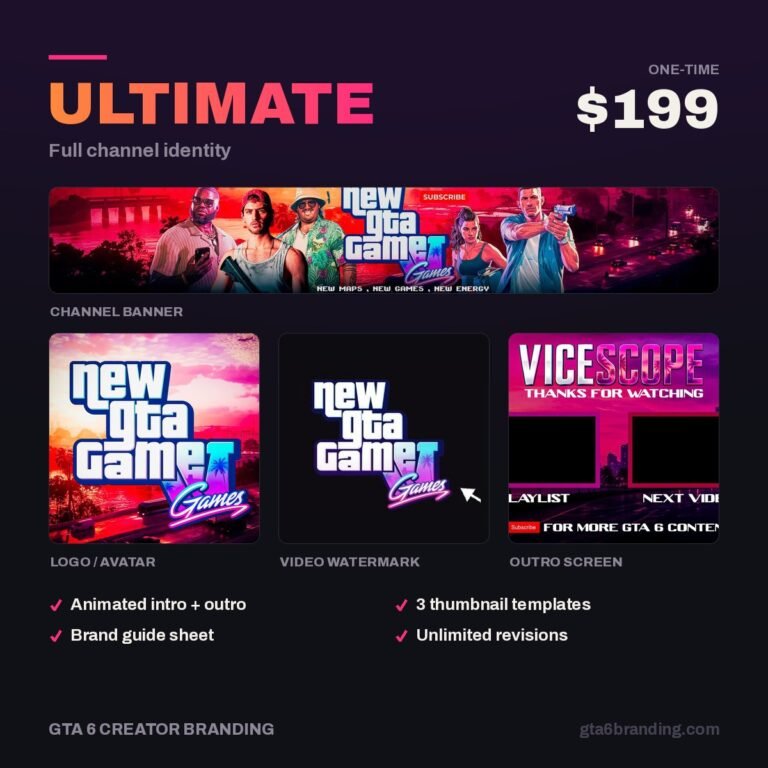
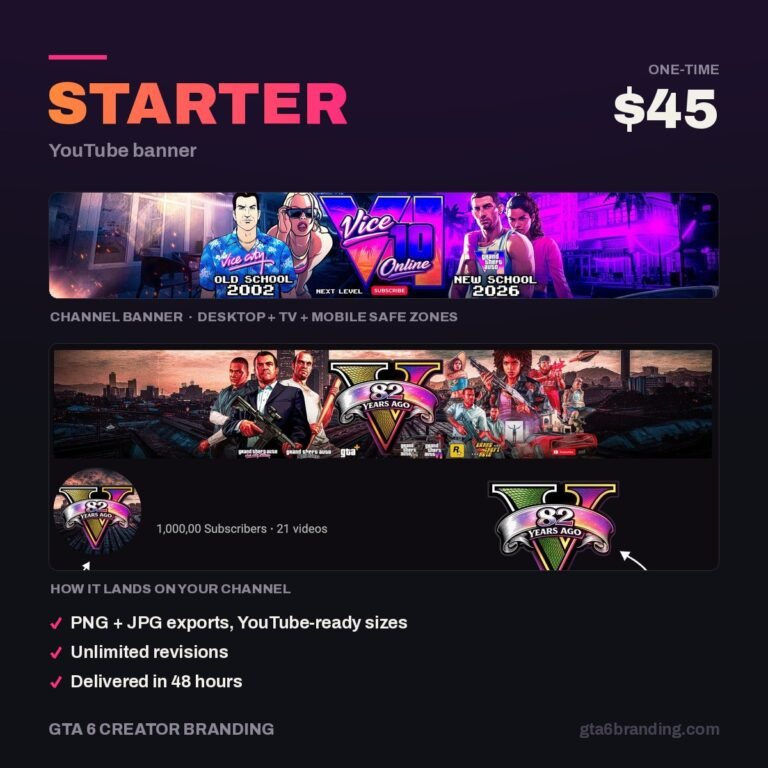
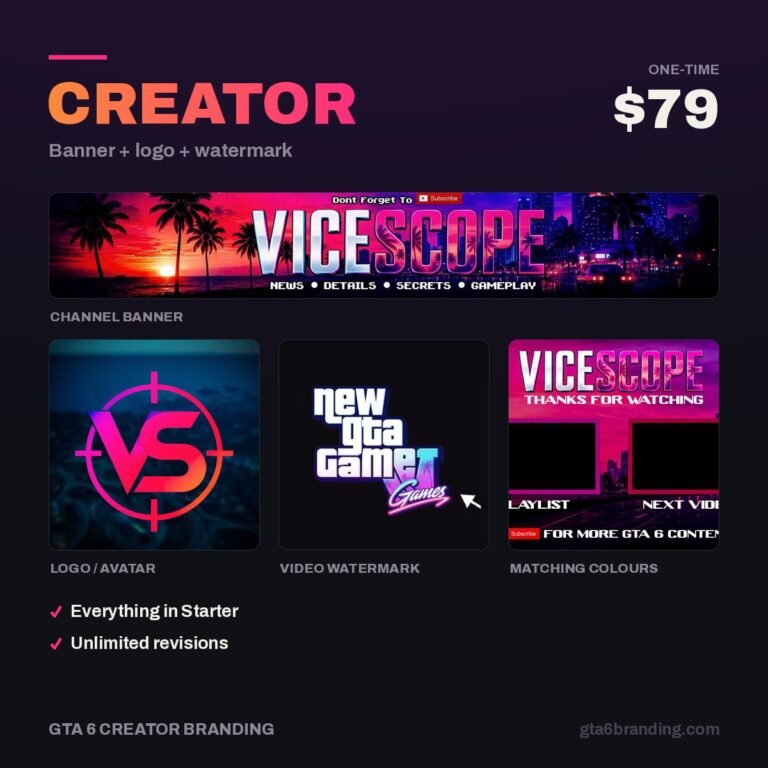
- GTA 6 Branding Package: What $45, $79 and $199 Get YouWhat a GTA 6 branding package includes at $45, $79 and $199: the exact files, the specs every asset has to hit, seven checks before you pay, and which tier fits your channel.
- GTA 6 Multi-Platform Branding: One Identity, Three ChannelsGTA 6 multi-platform branding done once: the full asset matrix for YouTube, Twitch and Kick, what must never change, and which five files you re-export per platform.
Ready to brand your GTA 6 channel? See the branding packages →