GTA 6 Social Media Branding: X, TikTok and Instagram Sizes
GTA 6 social media branding is one logo exported into four avatar sizes plus one wide strip: 800 × 800 px for YouTube, 400 × 400 px for X, 320 × 320 px for Instagram, 200 × 200 px for TikTok, and a 1500 × 500 px header on X. Get those five files right and every clip you post off YouTube looks like it came from a channel instead of a burner account.
That matters more than usual between now and November 19, 2026. GTA 6 clips travel sideways — a 30-second moment gets reposted to TikTok, Reels and X long before anyone types your channel name into YouTube search. On those platforms your entire brand is a circle the size of a fingernail and a handle in 13-pixel type. There is no banner, no description, no trailer doing the work for you.
Why GTA 6 social media branding decides whether clips convert
A viewer who likes your GTA 6 clip makes three decisions in about four seconds, in this order:
- Is this a real channel? Answered by the avatar alone — a crisp mark reads as a channel, a cropped selfie or a default gradient reads as a repost account.
- Where else do they post? Answered by the bio line and the header, which is why the X header is the most under-used asset most creators own.
- Is there more of this? Answered by the grid or the profile feed looking like one series rather than nine unrelated uploads.
Each of those is a design problem with a fixed pixel budget. Here is the whole budget in one place.
Every GTA 6 social media branding size in one table
| Platform | Asset | Upload size | What catches people out |
|---|---|---|---|
| YouTube | Profile picture | 800 × 800 px (4 MB max) | Renders as a 24 px circle in comments |
| YouTube | Banner | 2560 × 1440 px (6 MB max) | 1546 × 423 px is the desktop band; 1235 × 338 px is the tightest all-device safe area |
| YouTube | Shorts cover | 1080 × 1920 px | Vertical, not a cropped 1280 × 720 thumbnail |
| X | Profile photo | 400 × 400 px (2 MB max) | Circular crop — corners of a square logo disappear |
| X | Header | 1500 × 500 px | Up to roughly 60 px can crop off the top and bottom depending on the display |
| Profile photo | 320 × 320 px | Displays far smaller than it uploads; circular crop | |
| Square post | 1080 × 1080 px | The profile grid crops toward 1012 × 1350 px | |
| Portrait post | 1080 × 1350 px | Most feed height you can legally take | |
| Story / Reel | 1080 × 1920 px | Safe area is about 1080 × 1610 px | |
| TikTok | Profile photo | 200 × 200 px (20 × 20 px minimum) | The smallest avatar of any platform you post to |
| TikTok | Video / photo post | 1080 × 1920 px (9:16) | Keep content out of the top ~150 px and bottom ~330 px |
Always upload at the full recommended size and let the platform downscale. Uploading a 200 × 200 px file to TikTok and then reusing it on YouTube is how avatars end up looking soft and slightly blurry next to everyone else’s.
The master-file rule: design once, export five times
You do not design five logos. You design one mark as vector art and export it at each size, which is exactly the principle behind GTA 6 multi-platform branding for YouTube, Twitch and Kick — the same logic, applied to the social side.
The export list, in the order you should produce it:
- Vector source (AI, SVG or layered PSD) — the only file you ever edit again.
- 800 × 800 px PNG — YouTube, and the one you check with the 24-pixel test.
- 400 × 400 px PNG — X. Test it inside a circle before you upload.
- 320 × 320 px PNG — Instagram.
- 200 × 200 px PNG — TikTok. If the mark fails here, simplify the mark, not the export.
- 1500 × 500 px JPG or PNG — X header.
If the mark only reads at 800 px, it is not a channel logo — it is an illustration. The four logo types and the small-size test are covered in detail in our GTA 6 YouTube logo design guide, and these gaming channel profile picture ideas show which styles survive the shrink to a 200 px TikTok circle.
X: the header is the only wide canvas you get
X gives you a 1500 × 500 px header and a 400 × 400 px avatar. The header is the one place in your social branding where you can put a sentence, so do not waste it on a stock Vice City sunset with no words on it.
- Do keep all type in the middle third vertically — roughly 60 px can crop off the top and bottom depending on the display.
- Do leave the bottom-left corner clear. Your avatar overlaps it on most layouts, so anything you put there is hidden.
- Do write one concrete line: “GTA 6 guides & map secrets — new video every Tuesday.” Specific beats clever.
- Don’t put your handle in the header. It is already on the profile twice.
- Don’t use Rockstar screenshots or press art. Build the mood — neon, dusk gradients, chrome type — with your own assets.
TikTok: tiny avatar, real safe-zone math
TikTok’s recommended profile photo is only 200 × 200 px, and it displays much smaller than that. One-word or one-glyph marks win here; a full wordmark with a tagline becomes a grey smudge.
The bigger issue is the post itself. TikTok’s interface eats the frame from both ends: keep content clear of roughly the top 150 px and the bottom 330 px of a 1080 × 1920 px canvas. That leaves about 1440 px of usable height, and the right edge takes UI too, so keep your subject and any on-screen text centred.
GTA 6 gameplay is captured in 16:9. Cropping a 1920 × 1080 clip to 9:16 throws away roughly two-thirds of the width, so frame the moment before you record if you know it is going vertical — or letterbox the gameplay into the middle band and use the space above and below for a title card in your channel colours. The same vertical rules apply to YouTube; our YouTube Shorts thumbnail size guide covers the two safe zones most guides merge into one.
Instagram: the grid is your portfolio
Instagram’s profile photo is 320 × 320 px and circular. Posts are where the branding pays off, because the grid is the first thing a new visitor scans.
- Post portrait at 1080 × 1350 px for maximum feed height; the profile grid crops toward 1012 × 1350 px, so keep faces, logos and text away from the outer edges.
- Square posts at 1080 × 1080 px are the safest if you want the grid and the feed to look identical.
- Stories and Reels are 1080 × 1920 px with a safe area of about 1080 × 1610 px — the same discipline as TikTok, slightly more generous.
- Use one accent colour in a fixed corner on every post. Three rows in, the grid starts reading as a brand instead of a feed.
What must never change across platforms
Five things stay locked everywhere, and everything else is allowed to adapt:
| Locked | Allowed to change per platform |
|---|---|
| The mark itself (same silhouette, same proportions) | Crop tightness — a tighter crop at 200 px is fine |
| Your two or three brand colours, same hex values | Background colour behind the mark |
| The headline font | Type size and line count |
| Your handle — identical spelling on every platform | Display name formatting |
| The bio’s one-line promise | Length, trimmed to each platform’s limit |
The handle is the one people get wrong. If you are @LeonidaRuns on YouTube and @Leonida_Runs_YT on TikTok, every repost sends traffic to a dead search. Lock one spelling before launch week. If you also run a community server, GTA 6 Discord branding covers the server-side assets that have to match.
One identity, every platform, before launch week
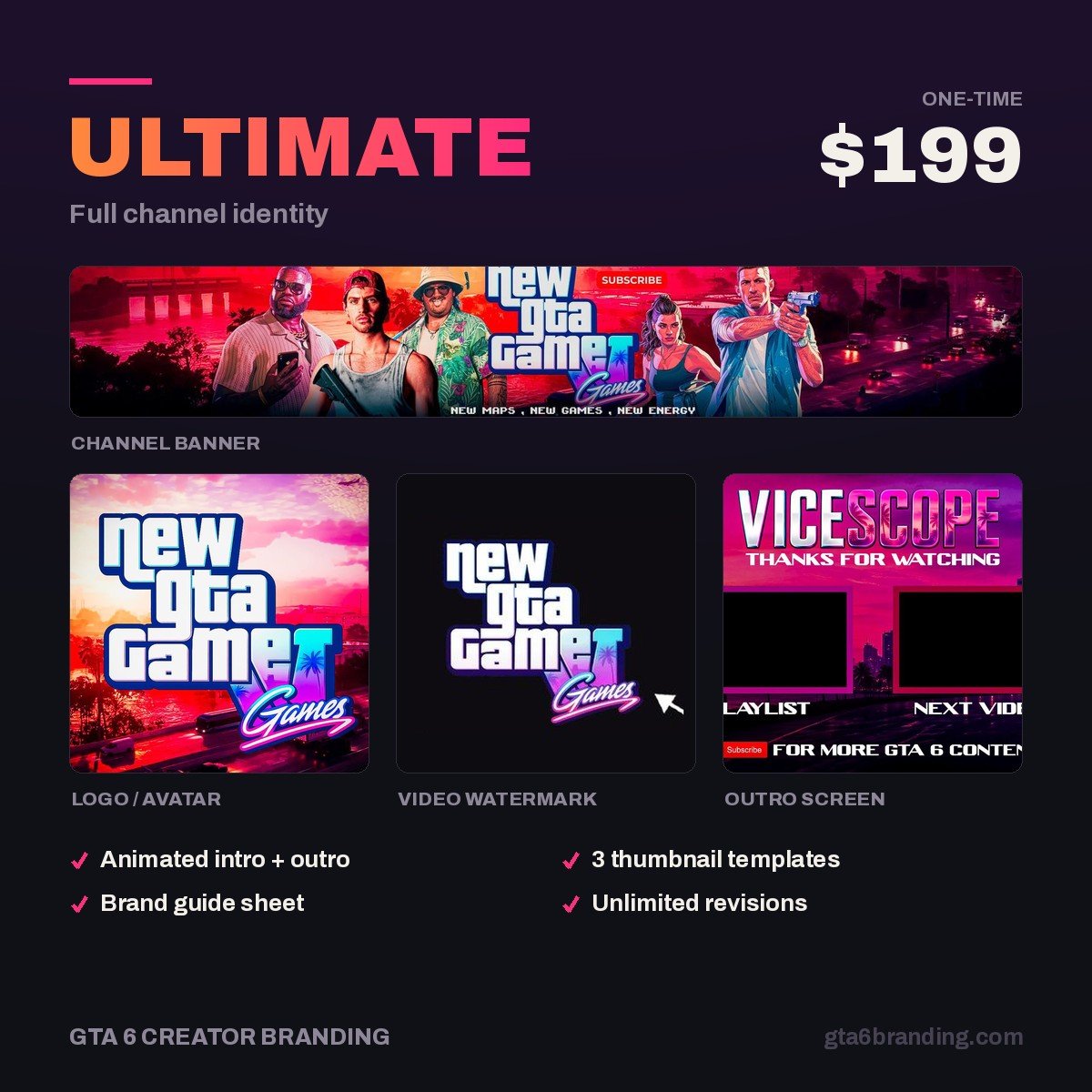
The Ultimate tier is built as a full channel identity from a vector master, so you get the mark exported at every avatar size instead of one JPG you have to resize yourself — the point of the package is that you never have to redraw anything when you add a platform.
Overlay, panels, alerts and offline screens are scoped per setup rather than sold as a fixed package — start an Ultimate order and say which platform it is for, and we will quote the stream pack around the same identity.
FAQ
What size should a GTA 6 TikTok profile picture be?
TikTok’s recommended profile photo is 200 × 200 px, with a minimum upload of 20 × 20 px, cropped to a circle. Export it from the same vector master as your 800 × 800 px YouTube picture rather than resizing a JPG, and test the mark at roughly 40 px before you commit to it.
What is the best X header size for a gaming channel?
Upload 1500 × 500 px. Because up to about 60 px can crop off the top and bottom depending on the display, keep your channel name and tagline inside the middle third, and leave the bottom-left corner empty so your avatar does not cover it on mobile layouts.
Can I use the same logo on every platform?
Yes, and you should. Use one vector master and export it at 800 × 800, 400 × 400, 320 × 320 and 200 × 200 px. The silhouette, colours and proportions stay identical; only the crop tightness and the background may change so the mark still reads at the smallest size.
Do Instagram Reels and TikTok need different versions of a clip?
Both use a 1080 × 1920 px canvas, so the export is the same, but the safe areas differ. Instagram’s safe area is about 1080 × 1610 px, while TikTok wants content clear of roughly the top 150 px and bottom 330 px. Design to the tighter TikTok band and the file works on both.
GTA 6 Creator Branding is an independent creator branding service and is not affiliated with Rockstar Games or Take-Two Interactive.