YouTube Channel Branding Checklist: 12 Assets to Ship Before Launch
A working YouTube channel branding checklist comes down to twelve files, and most creators ship four of them. The other eight — watermark, thumbnail template, end screen, Shorts cover, social crops — are what separate a channel that looks established from one that looks like it was set up last night. With GTA 6 arriving November 19, 2026, you have roughly eight weeks to close that gap before the biggest search wave in gaming hits.
Work through the list below in order. Everything here is specced for 2026 YouTube: exact pixel dimensions, file size limits, and the crop that breaks it if you get it wrong.
What a YouTube channel branding checklist actually covers
Branding is not “a nice banner.” It is the set of repeated visual signals that let a viewer recognize you in three different places — the search results page, your channel page, and the sidebar of somebody else’s video — without reading your name. Three tiers, twelve assets:
Tier 1: the three files a viewer sees first
1. Logo / profile picture (800 x 800 px)
Upload at 800 x 800 px as PNG or GIF, under 4 MB. YouTube crops it to a circle, so keep everything important inside a centered circle about 88% of the width — corners get eaten.
The test that matters: export a copy at 24 x 24 px and look at it. That is the size it appears at in comment threads and the Shorts feed. If your three-word channel name is in there, it is now a gray smudge. Use a single letter, a monogram, or one simple shape. Our breakdown of GTA 6 logo ideas covers ten styles that survive that test.
2. Channel banner (2560 x 1440 px)
One file, four different crops. Desktop shows roughly 2560 x 423, tablet 1855 x 423, mobile 1546 x 423, and a TV shows the entire 2560 x 1440 frame. Every piece of text and your logo must sit inside the 1546 x 423 safe area in the dead center, or phone users see a cropped mess.
Keep the outer edges as atmosphere only — gradient, skyline silhouette, neon glow. Full specs and layout templates are in the GTA 6 YouTube banner size guide, and if you would rather not fight the crop math, the Starter banner package ships a print-ready file at $45.
3. Watermark / branding overlay (150 x 150 px)
The most skipped asset on any gaming channel branding checklist, and the only one that converts a viewer into a subscriber without them leaving the video. Set it in YouTube Studio under Customization, Branding. For the design itself, see our eight YouTube watermark ideas that still read at the 40 px size the player actually renders.
- Size: 150 x 150 px, PNG with transparency, under 1 MB.
- Content: your logo mark only — never the full wordmark, it is unreadable at that scale.
- Opacity: bake it in at 70-80% so it does not fight your gameplay footage.
- Timing: set display to “entire video” rather than the last 15 seconds. Most viewers never reach the end.
Tier 2: the system that makes it repeatable
Assets get you a channel page. A system gets you a channel viewers recognize on upload number forty.
4. A locked three-color palette
One dark base, one loud accent, one support color. Write the hex codes down in a text file and never improvise a fourth. A Vice City-flavored set that holds up on dark backgrounds: base #160b26, accent #ff4d8d, support #ffb347. The full method is in our guide to gaming channel brand colors.
5. Two fonts, maximum
One heavy condensed display face for thumbnails and banner headlines, one clean sans for everything else. Condensed fonts fit 30-40% more characters in the same thumbnail width, which is why almost every high-CTR gaming thumbnail uses one.
6. A thumbnail template (1280 x 720 px)
Not a thumbnail — a template. Fixed text position, fixed accent bar, fixed logo corner, swap only the image and the words. 16:9, under 2 MB, JPG or PNG. Target three to five words at 90 px or larger.
Build the template once and each new thumbnail takes four minutes instead of an hour. During launch week that difference is three extra uploads. See our GTA 6 thumbnail ideas for nine layouts that still read on a phone.
7. Intro (3-5 seconds) and 8. outro / end screen (20 seconds)
Keep the intro under five seconds — retention data punishes anything longer, and a ten-second animated logo is the fastest way to lose a first-time viewer. The end screen needs a 20-second window of footage with clear space for one video element and one subscribe element; plan the empty space in your edit rather than slapping elements over your own face.
Tier 3: the four pieces almost everyone forgets
- Channel trailer thumbnail. The one video auto-playing for unsubscribed visitors still needs a designed frame, not a random screenshot.
- Shorts covers. Shorts crop to 1080 x 1920 and the center 1080 x 1080 is what shows in your channel grid. Keep your accent color and logo corner consistent with long-form — the full YouTube Shorts thumbnail size guide covers the safe zones and the 2026 custom cover rollout.
- Social crops. Export your logo at 400 x 400 for X, 320 x 320 for Instagram, 200 x 200 for Discord, and a 1500 x 500 banner variant for X. Same identity everywhere.
- A named asset folder.
brand/logo-800.png,brand/banner-2560.png,brand/thumb-template.psd,brand/colors.txt. Sounds trivial until you are re-exporting a banner at 11pm on launch night.
Every size and file limit in one table
| Asset | Size | Format / limit | The mistake that kills it |
|---|---|---|---|
| Profile picture | 800 x 800 px | PNG or GIF, under 4 MB | Detail that vanishes at 24 px |
| Banner | 2560 x 1440 px | PNG or JPG, under 6 MB | Text outside the 1546 x 423 safe area |
| Watermark | 150 x 150 px | Transparent PNG, under 1 MB | Never uploaded at all |
| Thumbnail | 1280 x 720 px | JPG or PNG, under 2 MB | Text under 90 px, unreadable on mobile |
| Shorts cover | 1080 x 1920 px | JPG or PNG | Key art outside the center square |
| End screen zone | Last 20 seconds | Video, not an image | Elements covering the speaker |
The 5-second brand audit
Open your channel on a phone, hand it to someone who has never seen it, and start a five-second timer. Then ask them three questions.
Pass / fail in three questions
1. What game is this channel about? If they hesitate, your banner is decoration instead of a signal.
2. Which videos belong to the same channel? Show six thumbnails, three of them yours. If they cannot group yours, you have no template.
3. Does this look paid or free? The honest answer is the one that decides whether a sponsor emails you. Stretched stock art, default fonts and a screenshot logo all read as “free” instantly.
Do this, not that
Do:
- Design the logo first and pull the banner and thumbnail palette out of it.
- Test every asset at the smallest size it will ever appear.
- Keep one accent color exclusively for your channel — never for on-screen game UI callouts.
- Re-export everything as a set when you change anything, so nothing drifts out of sync.
Do not:
- Use official Rockstar or Grand Theft Auto logos, key art or press screenshots as your branding — it invites takedowns and it makes you look like a repost account.
- Put your full channel name inside a 150 px watermark.
- Run a different thumbnail style for every video “to keep it fresh.” Freshness is the enemy of recognition.
- Leave the banner at 1920 px wide and let YouTube upscale it into mush.
Want the whole checklist done for you before November 19?
We build GTA 6-era channel identities from scratch — original artwork in the Vice City mood, every asset exported at the exact size YouTube wants, delivered as a matching set so nothing drifts.
- Creator — Banner + Logo + Watermark ($79) — closes all three Tier 1 assets in one pass.
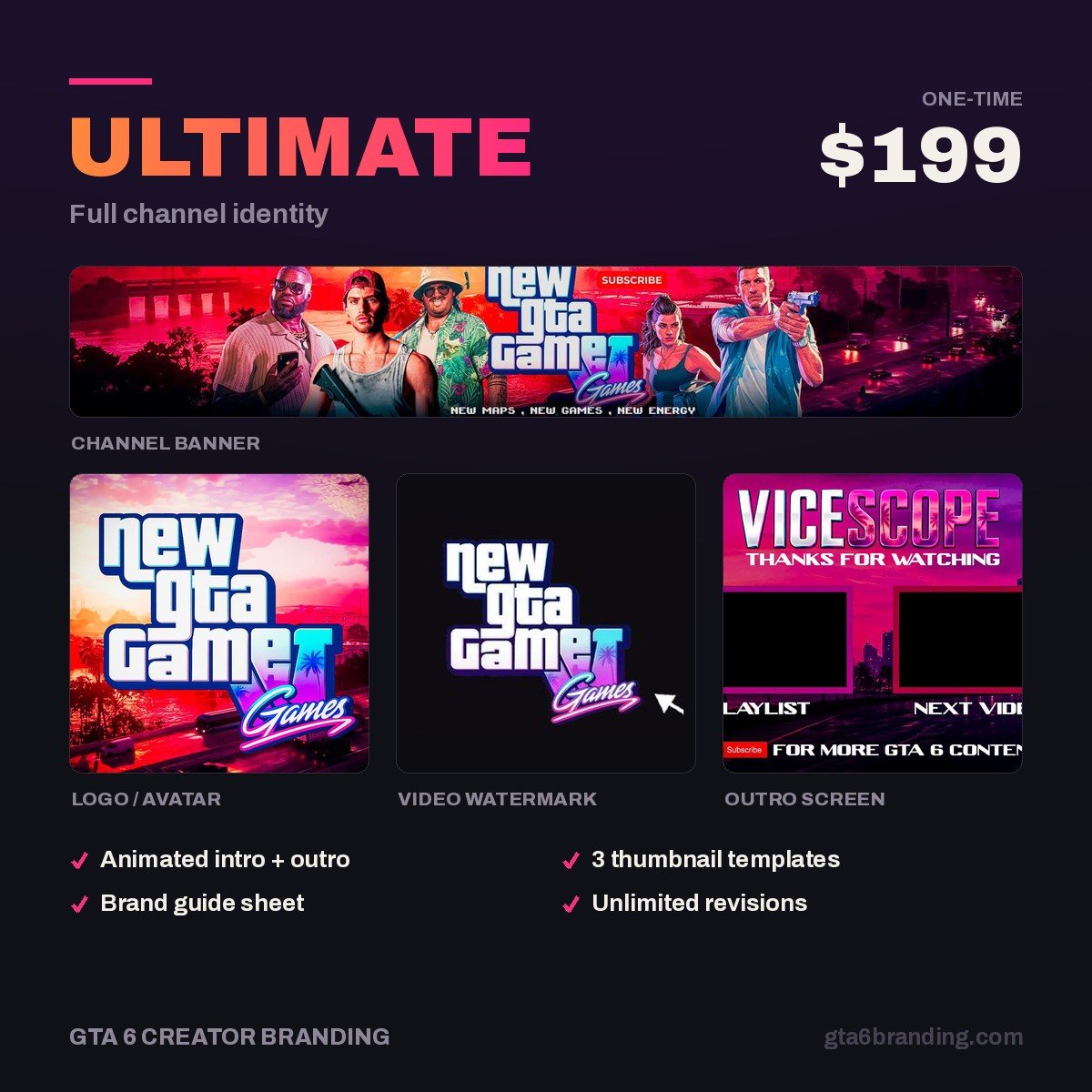
- Ultimate — Full Channel Identity ($199) — Tier 1 and Tier 2 together, including the thumbnail template and social crops.
Budgeting first? Compare it against what YouTube channel art costs across templates, freelancers and agencies in 2026.
FAQ
What should be on a YouTube channel branding checklist?
Twelve items across three tiers: logo, banner and watermark first; then a three-color palette, two fonts, a thumbnail template, an intro and an end screen; then channel trailer art, Shorts covers, social crops and an organized asset folder. Finish Tier 1 before your next upload.
How long does it take to brand a YouTube channel?
Doing it yourself, plan on eight to fifteen hours spread over a week: two to four hours on the logo, three on the banner and its crops, and the rest on the thumbnail template. Hiring a designer typically turns the same set around in two to five business days.
Do I need a watermark on my YouTube videos?
Yes, and it is free to add. The branding watermark is a clickable subscribe button that sits on every video in your library at once, so it keeps working on old uploads. Use a 150 x 150 px transparent PNG of your logo mark, set to display for the entire video.
Can I use GTA 6 artwork in my channel branding?
No. Official Rockstar logos, key art and press screenshots are copyrighted and using them as channel branding risks takedowns and implies an affiliation you do not have. Build original artwork that borrows the mood instead — neon, sunset gradients, coastline, chrome type.
Not started yet? Begin with our guide on how to start a GTA 6 YouTube channel, then come back and work this checklist top to bottom. Short on time? The 12 fixes that make your YouTube channel look professional are the same list ranked by first-impression impact, so you can stop after the top five.
GTA 6 Creator Branding is an independent creator branding service and is not affiliated with Rockstar Games or Take-Two Interactive.