YouTube Thumbnail Template: The 5-Layer System for Gaming Channels
A YouTube thumbnail template is a locked layout — fixed canvas, fixed text position, fixed brand strip — where the only things that change between videos are the background, the subject and two to four words of headline. Build one properly and a new thumbnail takes about ten minutes instead of an hour, and every upload looks like it came from the same channel.
Most articles on this topic hand you a download and stop. This one shows you how to build your own on the specs YouTube publishes today — which are no longer the 1280 × 720 and 2 MB numbers still repeated everywhere — plus the three presets that cover almost every gaming upload and the swap workflow that keeps launch week survivable.
The 2026 specs your YouTube thumbnail template should be built on
YouTube’s own help page for custom thumbnails currently lists these numbers, and several of them changed while the internet kept quoting the old ones:
| Spec | Value | What it means for your template |
|---|---|---|
| Recommended resolution | 3840 × 2160 px (16:9) | Build the master file here, not at 1280 × 720 |
| Minimum width | 640 px | A floor, never a target |
| File size limit | 50 MB on desktop, 2 MB on mobile | No more crushing JPGs to 2 MB from a computer |
| Accepted formats | JPG or PNG | Export JPG for photos, PNG only for flat graphics |
| Shorts thumbnails | 2160 × 3840 px (9:16) | Needs a separate vertical template |
Two things follow. First, build the master at 3840 × 2160 so the template is still correct in two years and so you can crop into it without softening anything. Second, the 50 MB desktop ceiling means quality is no longer the constraint it was — but still export near 1 MB, because YouTube re-compresses every thumbnail anyway and a lighter file renders faster on phones, where most of your impressions happen.
The four zones every YouTube thumbnail template must respect
Your thumbnail is never shown clean. YouTube paints its own interface on top of it, and the same 16:9 image is cropped differently across the app. A template that ignores those overlays buries its own headline.
- The text-safe inset (about 6%). Keep every word and your logo inside it. Rounded card corners and thin crops eat the outer edge on several surfaces.
- The duration stamp, bottom-right. Roughly 110 × 40 px at a 1280-wide render. Nothing you need read ever goes there — that corner belongs to YouTube.
- The watch-progress strip, bottom edge. A red bar about 8 px tall appears on anything a viewer already started. It cuts the bottom line of text in half.
- The crop zone. Some shelves and vertical surfaces crop toward 4:5 or square, so the outer 12% on the left and right can vanish. Your idea has to survive from the middle alone.
Build those four zones as non-printing guide layers once, and every future thumbnail inherits them. If you want finished layouts that already pass this test, these GTA 6 thumbnail ideas show nine that do, and the vertical case is covered separately in the YouTube Shorts thumbnail size guide.
The five layers of a reusable gaming thumbnail template
Every template worth reusing is the same five layers in the same order, each named so you can swap one without disturbing the rest.
1. Background plate
A gameplay capture, a city skyline, a flat gradient. Add a 12–18% dark vignette on top so the plate can change completely without your text losing contrast. This is the only layer that should look different in every single thumbnail.
2. Subject cutout
One car, one character, one face — masked out, sitting in the right third, with a 6–10 px outer stroke or a soft magenta glow so it separates from the plate. Keep its scale locked: if the subject fills 70% of the frame height in one thumbnail and 30% in the next, the set stops looking like a set.
3. Contrast scrim
A gradient from about 75% opacity at the left edge to 0% at the center, in your darkest brand color. It is the least visible layer and the one that does the most work: it guarantees that white headline text reads over any background you drop in, including a bright daytime capture.
4. Headline block
Two to four words, one heavy display face, all caps, cap height at least 90 px at 1280 wide (about 270 px on the 4K master). Two lines maximum, left-aligned, with a 4–6 px dark outline. Lock the text box position and the line height; only the words change. The twelve faces in our gaming channel fonts roundup are all chosen for surviving this shrink.
5. Brand strip
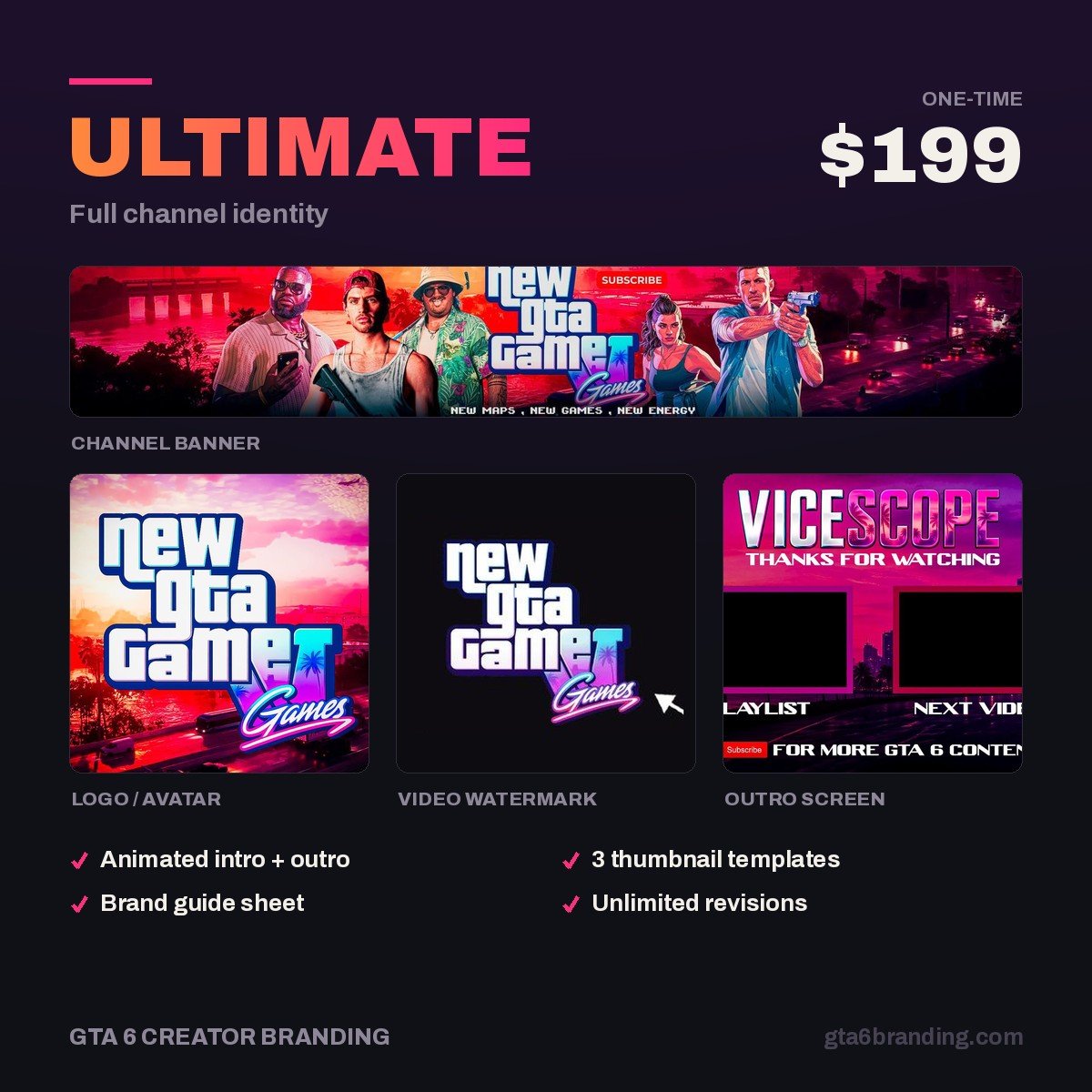
A small logo lockup or a 10 px color bar in the same corner on every thumbnail — bottom-left, never bottom-right where the duration sits. This is the layer that makes a stranger recognize your fourth video after seeing your first, and it is the piece most self-made templates skip. If you would rather have the whole set built for you, the Ultimate full channel identity ships thumbnail templates already matched to your logo, banner and watermark.
Build it once: the 20-minute setup
- New document, 3840 × 2160 px, RGB, 72 dpi. Name it thumb-master.
- Add a guide layer: a 6% inset rectangle, a bottom-right badge box and an 8 px bottom strip. Lock it and set it to non-printing.
- Create the five layers empty and in order, named exactly as above.
- Drop in your two or three brand colors as swatches and your headline font as a text style — not typed by hand each time.
- Place your logo strip in the bottom-left corner and lock its position.
- Type a real headline from a real video, not “Lorem ipsum”. Fake copy hides length problems.
- Zoom to 15% and look at it. If the headline is unreadable there, it is unreadable in the feed on a phone.
- Save as a template file — .psd, .fig, or a Canva design you duplicate rather than edit.
Three presets cover 90% of gaming uploads
One layout for everything gets monotonous in a subscriber feed; five gets sloppy. Three is the number that stays recognizable and still gives the feed variety.
| Preset | Layout | Headline style | Use it for |
|---|---|---|---|
| News drop | Text left, single subject right, hard scrim | 3–4 words, one word in your accent color | Trailer breakdowns, confirmed features, launch news |
| Guide | Text top-left, subject bottom-right, number badge | 2–3 words plus a numeral (“$1M FAST”) | How-to videos, money guides, settings, tier lists |
| Reaction | Face left at 65% frame height, subject right, split scrim | 2 words, maximum size | First impressions, challenges, funny moments |
All three share the same font, the same palette and the same logo position. Write those three rules down in a YouTube brand style guide so you are not re-deciding them at 1 a.m. before an upload.
The 10-minute swap workflow
- Duplicate the master file and rename it after the video, never edit the master itself.
- Replace the background plate. One drag.
- Replace the subject cutout, keeping the locked scale and position.
- Retype the headline — two to four words, testing it at 15% zoom.
- Recolor one accent word if the preset calls for it.
- Export with the preset below and upload.
Export preset — set it once, never think about it again
- 1920 × 1080 px, JPG, quality 80–85, sRGB
- Target under 1 MB (the ceiling is 50 MB on desktop, but small loads faster)
- PNG only when the thumbnail is flat graphics and text with no photo
- File name pattern: channel-topic-v1.jpg — makes A/B swaps traceable
During a release week this is the difference between publishing four videos and publishing one. A template does not make a thumbnail better on its own; it makes a good thumbnail repeatable when you have no time left.
Want the template built to match your channel?
We design GTA 6-era channel identities where the thumbnail templates, banner, logo and watermark all use the same palette and font — so your feed looks like one channel from your first upload, not a folder of one-off images.
- Ultimate — Full Channel Identity ($199) — logo, banner, watermark, intro and thumbnail templates as one matched system.
- Creator — Banner + Logo + Watermark ($79) — the core three if you build your own thumbnails.
Template mistakes that quietly cost you clicks
- Do keep the headline to four words. Don’t restate the video title — the thumbnail adds the emotion, the title carries the keyword.
- Do lock the logo strip bottom-left. Don’t park anything under the duration stamp.
- Do change the plate and subject every time. Don’t reuse the same face pose for ten uploads — that is where templates start looking lazy.
- Do build the master at 4K. Don’t upscale an old 1280 × 720 file into it; the text edges will stay soft.
- Do use official-looking design of your own. Don’t paste Rockstar artwork, press screenshots or logos into a template you reuse — one strike affects every video in the series.
A five-layer template also makes variant testing possible — see GTA 6 thumbnail A/B testing for how YouTube picks a winner between three options, and why only one variable should change per variant.
FAQ
What size should a YouTube thumbnail template be in 2026?
Build the master file at 3840 × 2160 pixels in a 16:9 frame, which is what YouTube’s help page now recommends, then export a 1920 × 1080 JPG for upload. The minimum accepted width is 640 pixels, and desktop uploads accept files up to 50 MB.
Can I use the same thumbnail template for Shorts?
No. Shorts are vertical — 2160 × 3840 at a 9:16 ratio — so a 16:9 template crops badly. Duplicate your template into a vertical version that keeps the same colors, font and logo position, then move the headline into the upper third where the Shorts interface leaves room.
How many thumbnail templates does a gaming channel need?
Three: one for news and breakdowns, one for guides and tutorials, one for reactions or face-led videos. Three presets built from the same font and palette give the feed variety while still reading as one channel, and together they cover almost every upload you will make.
Do thumbnail templates hurt click-through rate?
Only when they are rigid. A template locks your colors, font and logo placement — not your idea, since the image and headline still change every video. Channels lose clicks when every thumbnail repeats the same pose and phrasing, not because the layout stayed consistent.
If you would rather have the system built for you than build it yourself, our guide to GTA 6 YouTube thumbnail design covers what a custom thumbnail pack should include and what it costs.
GTA 6 Creator Branding is an independent creator branding service and is not affiliated with Rockstar Games or Take-Two Interactive.