GTA 6 Kick Overlay: Sizes, Panels and Full Stream Branding
A GTA 6 Kick overlay is not one image — it is a 1920 x 1080 transparent PNG scene plus six other assets that Kick sizes differently from Twitch. Reuse your Twitch set here and the first thing that breaks is your banner: Kick’s channel banner is 1280 x 700 px minimum, nearly 2:1, while Twitch’s is 1920 x 480, a 4:1 strip. Paste one into the other and your channel name lands outside the frame.
GTA 6 arrives November 19, 2026 on PS5 and Xbox Series X|S, and Kick is where a lot of GTA streamers are setting up a second home. This guide gives you Kick’s real asset sizes as Kick itself publishes them, the four places Kick behaves differently from Twitch, and the complete graphics set a GTA 6 Kick channel needs before launch night.
What a GTA 6 Kick overlay actually includes
People say “overlay” and mean the thing on screen during the stream. In practice a viewer who finds your GTA 6 stream sees four separate surfaces, and only one of them is the overlay:
- The live scene — your in-game overlay: webcam frame, alert area, chat box, recent-follower bar.
- The channel page — avatar, banner, and the About tab with your panels.
- The offline state — what sits there the 20 hours a day you are not streaming.
- Chat — your emotes, and badges if you run subscriptions.
Three of those four have nothing to do with OBS. That is why a “Kick overlay” bought as a single PNG always leaves a channel looking half-finished.
Kick asset sizes in 2026 (the numbers Kick publishes)
These come from Kick’s own help documentation, not from a template shop. Note the 4 MB cap — it applies to the avatar, the banner and the offline banner alike, which is tighter than Twitch’s 10 MB.
| Asset | Size | Limit & format | Export at |
|---|---|---|---|
| Avatar | 128 x 128 px minimum, 1:1 | 4 MB, JPG / PNG | 800 x 800 px so it stays sharp on desktop |
| Channel banner | 1280 x 700 px minimum | 4 MB, JPG / PNG | 1920 x 1050 px, same ratio, more detail |
| Offline banner | 1920 x 1080 px | 4 MB, JPG / PNG | Exactly 1920 x 1080 px |
| Emotes | 500 x 500 px | Under 1 MB, PNG or GIF | 500 x 500 px transparent PNG |
| In-stream overlay | 1920 x 1080 px canvas | Transparent PNG | 1920 x 1080 px, 72 dpi |
| Panels (About tab) | No size published by Kick | Image + link + text | 320 px wide, 100-300 px tall |
Two of those deserve a flag. Kick’s avatar minimum is only 128 x 128 px, which is small enough to look soft the moment someone opens your channel on a monitor — always upload bigger. And Kick does not publish a panel dimension at all: panels are created in the About tab as an image plus a clickable link plus a description, so the width is effectively whatever your image is. The 320 px convention from Twitch renders cleanly and keeps one panel set usable on both platforms.
GTA 6 Kick overlay vs Twitch: the four traps
The good news first: the in-game overlay itself is portable. A 1920 x 1080 transparent PNG scene built for OBS works identically on Kick, Twitch and YouTube Live, because it is your encoder drawing it, not the platform. Everything around it is where creators lose a weekend.
1. The banner has to be redesigned, not resized
At 1280 x 700 you have real vertical space — enough for a logo, a channel name and a line of positioning (“Daily GTA 6 story runs”). Twitch’s 1920 x 480 gives you one horizontal line. A good designer builds the Kick banner as its own composition from the same identity, which takes about twenty minutes once the logo exists.
2. Emotes are one upload, not three
Twitch wants every emote at 112 x 112, 56 x 56 and 28 x 28. Kick takes a single 500 x 500 px PNG or GIF under 1 MB and handles the scaling. That is less export work, but it is also a trap: because you never see the 28 px version during upload, fine-line emotes that look great at 500 px turn to mush in chat. Test every emote by shrinking it to 28 px before you upload it.
Kick gives channels up to 60 channel emotes from day one, with no follower gate, plus a further 24 subscriber-only emote slots once the channel qualifies as Affiliate or Verified. Sixty slots is more than most new channels will ever fill — pick eight that cover real GTA 6 chat reactions (busted, wanted stars, a car flip, a “Lucia” face) rather than commissioning sixty.
3. There is no published badge spec
Twitch documents subscriber badges precisely — 72 x 72, 36 x 36 and 18 x 18 transparent PNG, unlocked at Affiliate. Kick publishes no equivalent badge dimension. If your designer is delivering badges, have them exported at Twitch’s three sizes anyway: one set then covers both platforms, and you are not re-commissioning art later.
4. The file caps are tighter
4 MB on Kick for avatar, banner and offline screen, against 10 MB on Twitch. A 1920 x 1080 offline screen with a heavy neon gradient can easily exceed 4 MB as a PNG. Export the offline screen as a quality-85 JPG instead and you land around 400-700 KB with no visible loss, since it carries no transparency.
The full GTA 6 Kick branding set
Here is everything a GTA 6 Kick channel actually needs, in the order it is worth building. The first three are non-negotiable; the rest are what separates a channel that looks resident from one that looks like it is trying Kick out.
Build in this order
- Logo / avatar — 800 x 800 px, must read at 24 px in chat.
- Channel banner — 1280 x 700 px minimum, under 4 MB.
- Offline banner — 1920 x 1080 px, with your schedule on it.
- In-stream overlay — 1920 x 1080 px transparent PNG scene.
- Webcam frame — 480 x 270 px or 640 x 360 px inside that scene.
- Panels — 320 px wide: About, Schedule, Gear, Socials, Subs.
- Alert graphics — follow, sub, donation; 800 px wide max.
- Emotes — 500 x 500 px, under 1 MB each, 6-10 to start.
- Starting soon / BRB / ending screens — 1920 x 1080 px.
Numbers 1 to 3 are the same identity problem you solve for YouTube, which is why most GTA 6 creators build the identity once and re-export per platform. If you have not locked the mark yet, start with GTA 6 YouTube logo design — the 24-pixel test in that guide is exactly the test a Kick avatar has to pass in chat.
Overlay layout rules for GTA 6 on Kick
GTA 6 fills the screen with information you do not control: minimap bottom-left, weapon wheel and health arc around it, mission text upper-left, wanted stars top-right-ish. An overlay that covers any of that gets you clipped in the worst way — viewers in chat telling you they cannot see the map.
- Keep the bottom-left 420 x 300 px clear. That is the minimap and status arcs on a 1080p scene.
- Put the webcam top-left or top-right, not bottom. Bottom corners are both occupied in GTA.
- Chat belongs on a side rail, 300-340 px wide, or off-screen entirely if you are on a single monitor.
- Alerts fire top-centre, 700-800 px wide, and clear themselves in under five seconds.
- Leave the bottom 90 px alone — Kick’s own player controls and viewer count sit over it on mobile.
If you want layout options drawn out rather than described, the nine tested scenes in gaming stream overlay ideas all respect those dead zones. And if you are running Kick alongside Twitch, the asset-by-asset breakdown in our GTA 6 Twitch overlay guide covers the nine Twitch pieces so you can see exactly which files carry over. Running all three services? Our cross-platform GTA 6 stream overlay design guide maps which assets travel unchanged and which have to be re-exported, and the full asset matrix for GTA 6 multi-platform branding lists every file across YouTube, Twitch and Kick side by side.
Do and don’t
- Do design the Kick banner on its own 1280 x 700 canvas.
- Do put your stream days and times directly on the offline banner — it is the single highest-value piece of text on your channel.
- Do keep the same two or three colours across Kick, YouTube and Twitch. A viewer should recognise your thumbnail and your Kick page as the same channel.
- Don’t upload the 128 x 128 minimum avatar. Export 800 x 800.
- Don’t use Rockstar’s logos, key art or screenshots in your branding. Build the Vice City mood — neon, sunset gradients, chrome, palms — not their assets.
- Don’t leave the default offline state. An empty channel page reads as abandoned.
On colour specifically: Kick’s interface is dark with a bright green accent, so a palette built for a white page will fight it. The three-colour system in gaming channel brand colors gives you sets that hold up on dark UI, which is what both Kick and YouTube serve by default now.
Get one GTA 6 identity that works on Kick and YouTube
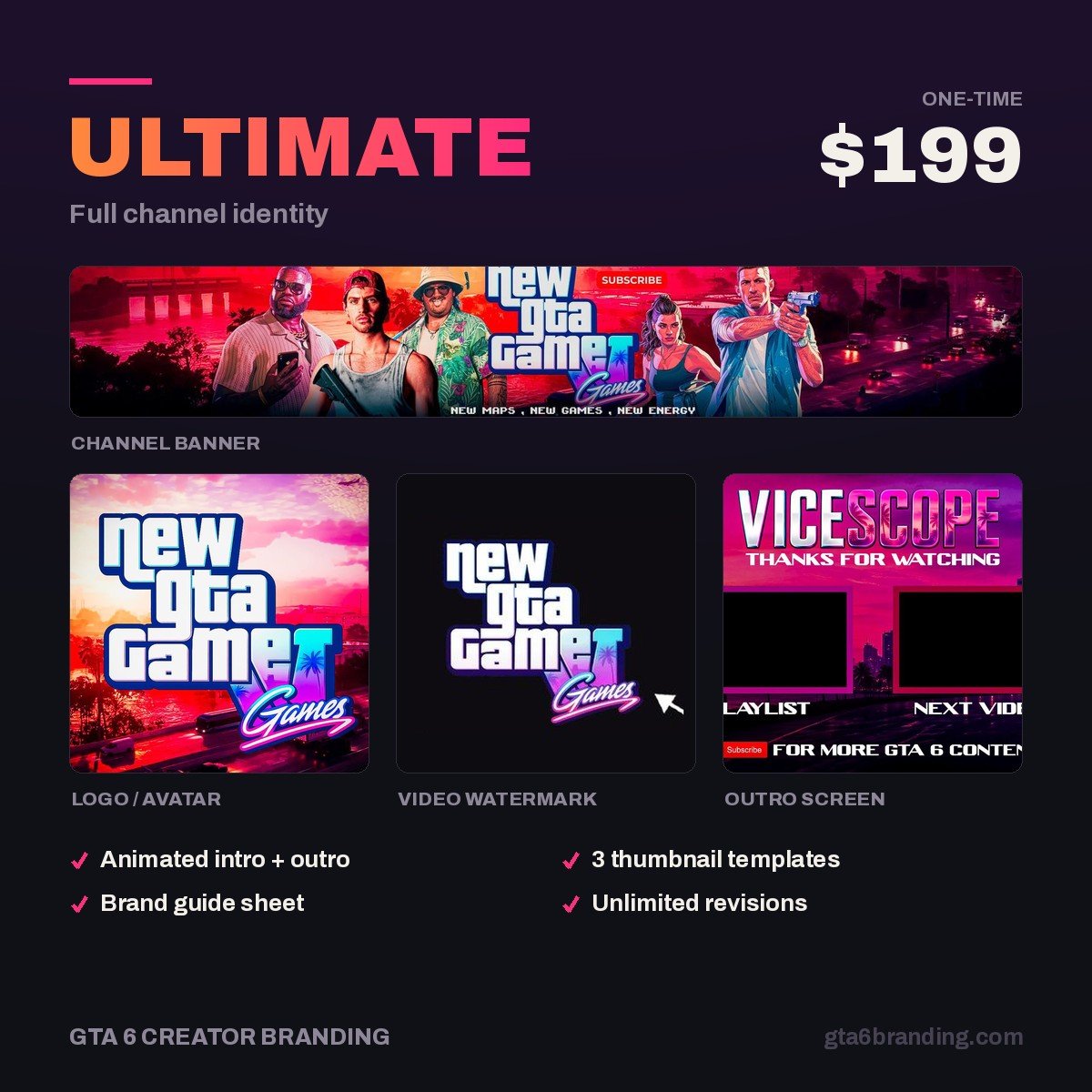
Most creators do not need two brands — they need one identity exported correctly for each platform. Ultimate — Full Channel Identity ($199) builds the full set: logo, banner, watermark, thumbnail system and the source files, designed around the Vice City aesthetic and delivered ready to re-export.
Overlay, panels, alerts and offline screens are scoped per setup rather than sold as a fixed package — start an Ultimate order and say which platform it is for, and we will quote the stream pack around the same identity.
Just need the channel page to stop looking empty? Creator — Banner + Logo + Watermark ($79) covers the avatar and banner for both platforms.
FAQ
What size is a Kick overlay?
The in-stream overlay is a 1920 x 1080 px transparent PNG, the same as Twitch and YouTube Live, because OBS or Streamlabs draws it rather than Kick. The platform-specific sizes are the channel ones: avatar from 128 x 128 px, banner from 1280 x 700 px, and the offline banner at exactly 1920 x 1080 px, all capped at 4 MB.
Can I use my Twitch overlay on Kick?
The live scene, yes — it is identical at 1920 x 1080. The channel-page assets, no. Kick’s banner is roughly 1.8:1 against Twitch’s 4:1, so a Twitch banner either crops your channel name off or sits in a letterbox. Emotes also differ: Kick takes one 500 x 500 px file where Twitch wants three sizes.
What size are Kick emotes?
500 x 500 px, PNG or GIF, under 1 MB each. Kick scales them down for chat, so always preview yours at 28 px before uploading — thin outlines and small text disappear at that size. Channels get up to 60 channel emotes with no follower requirement, plus 24 subscriber-only slots once they qualify as Affiliate or Verified.
Do I need panels on Kick?
Yes, and they are underused. Kick panels live in your About tab as an image plus a clickable link plus a description, which makes them the only place on your channel where you can point viewers at a schedule, your YouTube uploads or your Discord. Kick publishes no size, so design them 320 px wide and 100-300 px tall.
GTA 6 Creator Branding is an independent creator branding service and is not affiliated with Rockstar Games or Take-Two Interactive.