GTA 6 Stream Overlay Design: One Scene, Three Platforms
Good GTA 6 stream overlay design starts with one fact that saves you weeks of rework: the overlay itself is the same file on every platform. A 1920 x 1080 transparent PNG scene is drawn by OBS, not by Twitch, Kick or YouTube, so one scene travels everywhere unchanged. What does not travel is everything wrapped around it — the banner, the offline state, the emote exports and the dead zones each player carves out of your screen.
GTA 6 lands November 19, 2026 on PS5 and Xbox Series X|S, and most serious streamers will be live on two or three services that night. This guide separates the portable half of your stream graphics from the per-platform half, so you build once and re-export instead of designing three times.
What GTA 6 stream overlay design actually covers
“Overlay” gets used for two different things, and conflating them is why creators buy a single PNG and still look unfinished. Split it properly:
- The live scene — webcam frame, alert box, chat rail, recent-follower bar, lower third. Rendered by your encoder. Platform-independent.
- The scene set — Starting Soon, Be Right Back, Ending. Also encoder-side. Also platform-independent.
- The channel shell — avatar, banner, offline screen, panels, emotes, badges. Rendered by the platform. Different sizes on every one.
Roughly 60% of the design work sits in the first two groups and is built once. The remaining 40% is re-export labour, and it is almost entirely mechanical once the identity exists.
The canvas that never changes: 1920 x 1080 transparent PNG
Build every scene on a 1920 x 1080 px canvas at 72 dpi, exported as a transparent 24-bit PNG. That holds whether you stream at 1080p60 or 1440p — OBS scales the scene to your canvas resolution, and a 1080p overlay upscaled to 1440p is far less visible than you would expect, because the elements are flat shapes rather than photographic detail.
Export rules that actually matter:
- Separate layers, separate files. Webcam frame, chat box and lower third should be three PNGs, not one baked image. You will want to move them.
- No drop shadow onto transparency. Soft shadows against an alpha channel fringe badly at stream bitrates. Use a hard 2-3 px stroke instead.
- Avoid gradients thinner than 40 px. Streaming compression bands them. Flat fills and hard edges survive 6,000 kbps; airbrushed glow does not.
- Keep every scene under about 2 MB per PNG. Not a platform limit — it is an OBS load-time one when you have ten scenes.
The GTA 6 dead zones your layout has to respect
GTA fills the frame with HUD you do not control, and on top of that each platform’s player draws its own chrome over your stream. Two layers of obstruction, and both are predictable.
The game takes: bottom-left for the minimap and health and armour arcs — budget roughly 420 x 300 px on a 1080p scene. Upper-left for mission and objective text. Top-right area for wanted stars and notifications. Centre-bottom for weapon and vehicle prompts.
The player takes: the bottom 80-90 px on mobile, where every service overlays scrubber, viewer count and controls. On desktop those auto-hide, but phone viewers are the majority on launch night and they never see that strip.
Which leaves one reliable conclusion for GTA 6 specifically: put the webcam top-left or top-right, never bottom. Both bottom corners are contested. If you want the layouts drawn out rather than described, the nine tested scenes in gaming stream overlay ideas all keep clear of these zones.
What changes per platform
Here is the whole re-export job in one view. The exact Twitch and Kick numbers live in their own guides — this table is about what differs, so you know how many files you are commissioning.
| Element | Twitch | Kick | YouTube Live |
|---|---|---|---|
| In-stream overlay | 1920 x 1080 PNG | Identical file | Identical file |
| Profile picture | 800 x 800 px | 800 x 800 px | 800 x 800 px, 4 MB cap |
| Channel banner | 1920 x 480 px (4:1 strip) | 1280 x 700 px min (~1.8:1) | 2560 x 1440 px, 6 MB |
| Offline / idle state | Offline screen 1920 x 1080 | Offline banner 1920 x 1080 | No offline screen — channel trailer plays instead |
| Panels | Yes, 320 px wide | About tab, no published size | None. Links live in channel About |
| Emotes | 112 / 56 / 28 px, three files | One 500 x 500 px file | Membership emotes, badges render at 14 px |
| Stream thumbnail | Auto-grabbed | Auto-grabbed | Custom 1280 x 720 px, 2 MB |
| File size ceiling | 10 MB most assets | 4 MB most assets | 6 MB banner, 4 MB avatar |
Three practical consequences fall out of that table.
Banners cannot be resized between platforms
4:1 on Twitch, roughly 1.8:1 on Kick, 16:9 on YouTube. These are not crops of each other — they are three compositions. Expect your designer to build three banner layouts from one identity, which is twenty minutes each once the logo and palette exist, and a fresh job if they don’t.
YouTube Live needs a thumbnail nobody else does
Twitch and Kick grab a frame from your stream. YouTube lets you upload a custom 1280 x 720 px thumbnail for a live stream, and it is the single biggest lever on whether anyone clicks in. That means your GTA 6 stream needs a thumbnail template, not just an overlay — which is why a GTA 6 YouTube thumbnail design system belongs in the same commission as the overlay.
Export emotes at Twitch’s sizes regardless
Twitch’s 112 / 56 / 28 px set is the strictest of the three, and Kick’s single 500 x 500 px upload can be generated from the largest. Commission the Twitch set and you are covered everywhere. Always preview at 28 px before you approve anything: thin outlines and lettering vanish at chat size.
The build order that saves the most time
Do these in sequence. Each step depends on the one above it, and doing them out of order is what turns a two-day job into a two-week one.
Cross-platform build order
- Lock the logo — 800 x 800 px, legible at 24 px.
- Lock two or three colours — must hold up on dark UI.
- Build the live scene — 1920 x 1080, layers as separate PNGs.
- Build the scene set — Starting Soon, BRB, Ending, same canvas.
- Re-export three banners — Twitch, Kick, YouTube ratios.
- Offline screens — 1920 x 1080 for Twitch and Kick, with your schedule on them.
- Panels — 320 px wide, one set reused on Twitch and Kick.
- Emotes — Twitch’s three sizes; downscale for Kick.
- YouTube live thumbnail template — 1280 x 720, text-swappable.
Steps 1 and 2 are the whole project. Everything after them is production. Pick the palette with the three-colour system in gaming channel brand colors — all three platforms serve a dark interface by default, so a set built for a white page will fight every one of them.
One GTA 6 identity, exported for every platform you stream on
The expensive part of stream branding is not the overlay — it is deciding what the channel looks like. Ultimate — Full Channel Identity ($199) builds the logo, banner, watermark, thumbnail system and source files around the Vice City aesthetic, so every platform shell after that is a re-export rather than a redesign.
Overlay, panels, alerts and offline screens are scoped per setup rather than sold as a fixed package — start an Ultimate order and say which platform it is for, and we will quote the stream pack around the same identity.
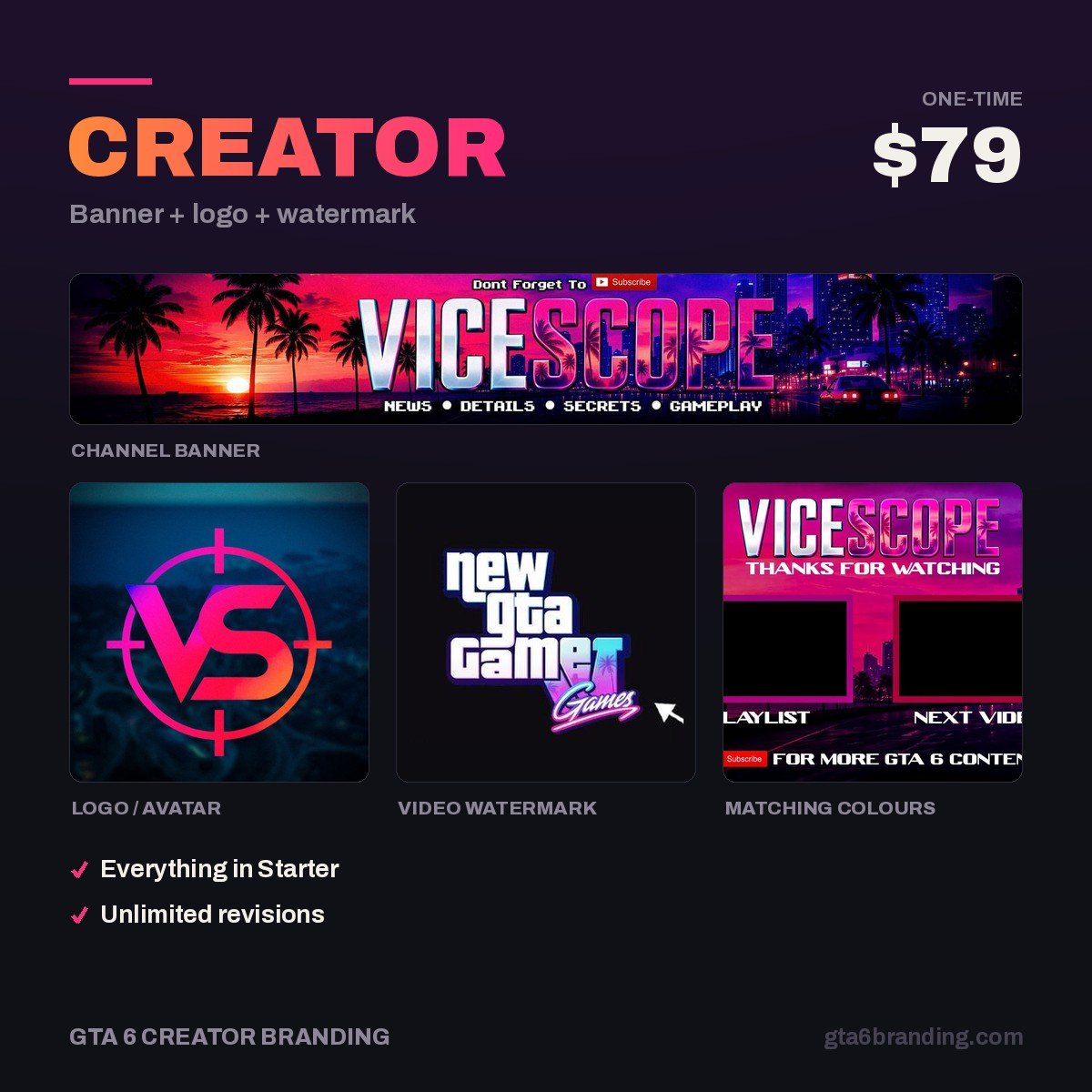
Only need the channel page to stop looking empty? Creator — Banner + Logo + Watermark ($79) covers the avatar and banner.
Do and don’t
- Do keep one overlay scene and swap only the channel shell. Two different-looking brands across two platforms splits your recognition instead of doubling it.
- Do put your stream days and times on every offline screen. It is the highest-value text on your channel.
- Do test the whole scene on a phone at arm’s length before launch night.
- Don’t bake your overlay into one flat PNG. You will need to move the chat rail the first time you play a mission with a lot of on-screen text.
- Don’t stretch a Twitch banner onto Kick or YouTube. Redesign at the right ratio.
- Don’t use Rockstar’s logos, key art or screenshots. Build the Vice City mood — neon, sunset gradients, chrome, palms — from original artwork.
For the platform-by-platform specifics this guide deliberately skips, go to the dedicated breakdowns: the nine assets in our GTA 6 Twitch overlay guide, and the full size table plus the four Twitch-to-Kick traps in GTA 6 Kick overlay.
FAQ
What size should a stream overlay be?
1920 x 1080 px, exported as a transparent 24-bit PNG at 72 dpi. That is the standard on Twitch, Kick and YouTube Live alike, because your encoder composites the overlay rather than the platform. Export each element as its own file so you can reposition the webcam frame, chat rail and lower third independently inside OBS.
Can I use the same overlay on Twitch, Kick and YouTube?
The in-stream scene, yes — it is byte-for-byte the same file. The channel assets, no. Banners differ in aspect ratio on all three, Twitch wants three emote sizes where Kick takes one, YouTube has no panels or offline screen, and YouTube is the only one that accepts a custom live thumbnail.
How much does a GTA 6 stream overlay cost?
Marketplace templates run $10-30, a freelance custom scene set $80-250, and a full identity plus multi-platform stream pack $200-600. The variable is not the overlay drawing — it is whether a reusable identity exists first. Commission the identity, and every scene and banner after it costs a fraction.
Where should the webcam go in a GTA 6 overlay?
Top-left or top-right. GTA’s minimap and status arcs own the bottom-left corner, vehicle and weapon prompts crowd the centre-bottom, and every platform’s mobile player draws controls over the lowest 80-90 px. The top corners are the only consistently clear real estate across game HUD and player chrome.
GTA 6 Creator Branding is an independent creator branding service and is not affiliated with Rockstar Games or Take-Two Interactive.