How to Add a YouTube Banner, Logo and Watermark (2026)
Here is how to add a YouTube banner in under two minutes: open YouTube Studio, click Customization in the left menu, open the Profile tab, hit CHANGE under Banner image, upload a 2560 x 1440 px file, then click PUBLISH. Your logo and your video watermark live on the same screen, so you can install all three in one sitting.
The upload is the easy part. What trips up most GTA 6 creators is what happens after it: a channel name that survives on desktop and gets sliced in half on a phone, a logo that turns to mush at comment size, a watermark that never appears because of one timing dropdown. This guide covers the clicks and the specs that make those problems impossible.
How to add a YouTube banner in YouTube Studio
- Sign in at studio.youtube.com with the account that owns the channel.
- In the left menu, click Customization.
- Open the Profile tab. This is the one screen that holds your picture, your banner and your watermark.
- Under Banner image, click CHANGE and pick your file.
- YouTube shows a preview with a crop frame and device previews. Drag the frame until your channel name sits inside the visible band on every device, then click DONE.
- Click PUBLISH in the top right. Nothing goes live until you do.
If PUBLISH stays greyed out, you skipped step 5 — the crop has to be confirmed with DONE before the change is queued. And if you are on the mobile YouTube app, you will not find this screen: banner and watermark uploads are desktop-only. Use a browser.
Export your three files at these sizes first
Uploading the wrong file is the single most common reason a channel looks amateur. These are the numbers YouTube itself publishes, not rounded guesses:
| Asset | Upload size | File limit | Format |
|---|---|---|---|
| Banner image | 2560 x 1440 px (minimum accepted 2048 x 1152 px) | 6 MB | JPG or PNG |
| Profile picture / logo | 800 x 800 px square (YouTube displays it at 98 x 98 px) | Well under the cap at this size | PNG, JPG, BMP or non-animated GIF |
| Video watermark | 150 x 150 px square | 1 MB | Transparent PNG |
| Thumbnails (same session, different screen) | 1280 x 720 px | 2 MB | JPG or PNG |
Two format notes that save a re-export. The watermark must be a transparent PNG — a JPG uploads fine and then sits in the corner of every video as an ugly white box. And a profile picture uploaded as an animated GIF will be rejected; YouTube strips animation.
Adding your logo as the profile picture
Same screen, different slot. Under Picture, click CHANGE, upload your 800 x 800 px file, adjust the crop and click DONE, then PUBLISH.
The trap here is scale. YouTube renders this image at 98 x 98 px on your channel page and at roughly 24 px next to every comment — so a detailed illustration with your full channel name in it becomes a grey smudge. Before you upload, shrink the file to 24 px on your own screen and look at it. If you cannot tell what it is, it is the wrong mark, and these gaming channel profile picture ideas show which styles survive that shrink.
One more thing worth knowing before you upload: on a Brand Account the picture can take a few hours to propagate everywhere, because it is tied to the Google Account behind the channel, not only to YouTube.
Adding a video watermark (and the timing setting that breaks it)
The video watermark is the small subscribe mark in the bottom-right corner of the player. It appears across your whole library at once, which makes it the highest-leverage asset on this page.
- In Customization › Profile, scroll to Video watermark.
- Choose a display time before you upload: End of video shows it for the last 15 seconds only, Custom start time begins at a timestamp you set, and Entire video keeps it on screen the whole way through.
- Click CHANGE, upload your 150 x 150 px transparent PNG, resize it in the preview, click DONE.
- PUBLISH.
Pick Entire video for GTA 6 content. Launch-window viewers arrive from search, watch two minutes of a map or money guide and leave — an End-of-video watermark is invisible to almost all of them. Also worth knowing: the watermark never renders on videos marked as made for kids, so if yours has vanished, check that flag before you blame the file. Our guide to YouTube watermark ideas covers the eight mark styles that still read at 40 px in the corner of the player.
The two safe zones — this is why banners get cut off
Your banner is one file, but YouTube shows four different crops of it. The full 2560 x 1440 px image only ever appears on a TV. Everything else is a slice taken from the middle, and that is where almost every “my banner is cut off” complaint comes from.
There are two zones you need to keep straight, and most guides collapse them into one:
- 1546 x 423 px — the desktop and TV band. Artwork, glow, skyline, palms: build the scene here.
- 1235 x 338 px — the tightest all-device safe area. Anything that must be readable on a phone (channel name, logo, @handle, upload schedule) goes inside this rectangle. Nothing else.
Put your channel name at 1546 wide and it reads perfectly on your laptop while phone viewers see the last four letters. Keep it inside 1235 x 338 and it survives every crop. Our GTA 6 YouTube banner size guide maps all four device crops pixel by pixel, and if yours is already live and broken, YouTube banner blurry or cut off walks through every fix.
Before you hit PUBLISH: do and don’t
Do:
- Check the phone preview inside the crop editor, not just the desktop one.
- Upload the banner at 2560 x 1440 even though 2048 x 1152 is accepted — the larger file is what TVs use, and it compresses better.
- Keep the banner under 6 MB by exporting JPG at quality 80–90 rather than PNG for photographic artwork.
- Match the logo in your banner to the profile picture exactly. Two slightly different versions of the same mark reads as careless.
- Open your channel in a private window afterwards to see what a new visitor sees.
Don’t:
- Don’t upload Rockstar’s GTA wordmark, key art or screenshots as your banner. It is not yours to use, and it makes your channel look like an unofficial repost account.
- Don’t put your social handles in the banner corners — those corners are the first thing cropped away.
- Don’t use a JPG watermark. Transparent PNG only.
- Don’t upscale a small image to hit 2560 x 1440. YouTube will not add detail that is not there; it just looks soft.
If you are staring at this list without any files to upload yet, that is the actual blocker — not the Studio flow. A matched banner, logo and watermark set arrives already exported at these three sizes, so the install is the four clicks above and nothing else.
Get the three files ready to upload
We design GTA 6–era channel identities and hand them over export-ready: a 2560 x 1440 banner with your name inside the 1235 x 338 safe area, an 800 x 800 logo that still reads at 24 px, and a 150 x 150 transparent-PNG watermark. Nothing to resize, nothing to re-crop — open Customization, upload, publish.
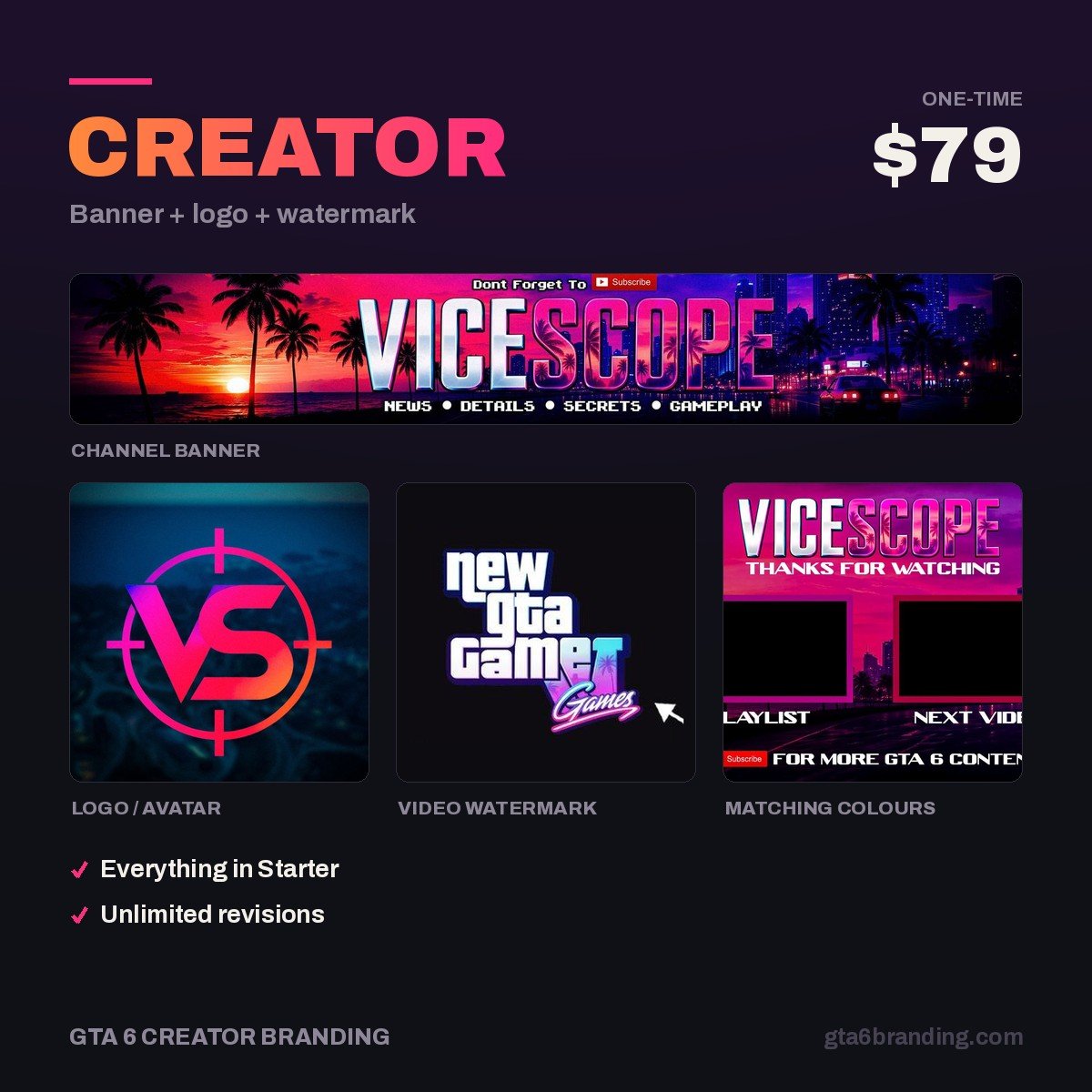
- Creator — Banner + Logo + Watermark ($79) — all three assets on this page, matched as one identity.
- Starter — YouTube Banner ($45) — if you only need the banner fixed.
- Ultimate — Full Channel Identity ($199) — the full set including thumbnails and outro cards.
Once the three core assets are live, the remaining pieces are thumbnails and an end-screen card. Our GTA 6 YouTube banner design guide covers what a custom banner should include before you brief anyone.
FAQ
Why is my YouTube banner not uploading?
Almost always file size or dimensions. The banner has to be at least 2048 x 1152 px and under 6 MB, in JPG or PNG. Export a JPG at quality 80–90 instead of a PNG to drop the file size fast. If the upload goes through but PUBLISH stays greyed out, you did not confirm the crop with DONE.
How long does a YouTube banner take to update?
The banner itself normally appears within a minute of clicking PUBLISH, though your own browser cache may show the old one — force-refresh or open a private window. The profile picture is slower: because it is tied to the Google Account behind the channel, it can take a few hours to appear everywhere.
Can I add a watermark to only some videos?
No. The video watermark is a channel-level setting, so it applies to your entire library with one display-time rule. The only exceptions are videos marked as made for kids, where it never shows. For a per-video mark you would have to burn it into the footage during editing instead.
Can I change my YouTube banner from my phone?
Not in the YouTube mobile app — it has no banner or watermark upload. You can get there by opening studio.youtube.com in a mobile browser and requesting the desktop site, but the crop editor is fiddly on a small screen. Use a laptop so you can check the device previews properly.
GTA 6 Creator Branding is an independent creator branding service and is not affiliated with Rockstar Games or Take-Two Interactive.