Gaming Channel Profile Picture Ideas: 10 PFPs That Read at 24px
Most gaming channel profile picture ideas die at 24 pixels. That is the size your PFP shows at in a YouTube comment — a circle roughly the width of a pencil eraser — and it is where a detailed render of your character, your full channel name and a drop shadow all collapse into grey mush. A profile picture that works is built backwards from that circle: one shape, one or two colors, no text longer than three characters.
Below are ten PFP directions that survive the shrink, the exact specs YouTube wants, the 60-second test to run before you upload, and the mistakes that make a new GTA 6 channel look like a throwaway account.
The 24-pixel rule: why most profile pictures fail
You upload an 800 × 800 px image. YouTube almost never shows it that big. Here is where viewers actually meet it:
- Channel page header — around 128 px on desktop, smaller on mobile.
- Next to a video in search and Home — about 36 px.
- Comments and replies — about 24 px.
- Shorts overlay and live chat — 24–32 px, often over moving footage.
So the picture is doing its real work somewhere between 24 and 48 pixels, in a circle, on a dark grey or white background, next to dozens of others. Detail is not an asset at that size — it is noise. The diagram below is the same mark rendered the way YouTube will render yours.
YouTube profile picture size and file specs
Get these right once and you never think about them again. Note that YouTube crops your square upload into a circle, so anything within roughly 8% of the edge is gone.
| Spec | Value | What it means in practice |
|---|---|---|
| Recommended size | 800 × 800 px, square | Export at 1:1 — never a rectangle YouTube has to squash |
| Minimum | 98 × 98 px | Anything smaller uploads blurry and stays blurry |
| Displayed shape | Circle | Keep the mark inside the middle 84% of the square |
| File formats | JPG, PNG, GIF (non-animated), BMP | Use PNG for flat logos, JPG only for photos |
| File size | Under 4 MB | A flat PNG logo should land near 40–120 KB |
| Safe zone | Center 672 × 672 px | Anything outside it gets clipped by the circle |
One more thing people miss: the same mark should also become your subscribe watermark. If your PFP cannot be re-cut into a 150 × 150 px transparent PNG, you will end up with two different logos on one channel. These YouTube watermark ideas cover that export in detail.
10 gaming channel profile picture ideas that work
Mark-based PFPs (best for growth)
- Single-letter monogram. One letter from your channel name, custom-cut, filled with a two-stop gradient. Clean at 24 px, instantly reusable as a watermark. The safest default there is.
- Geometric silhouette. A palm, a shark fin, a helicopter, a pistol grip, a skull — reduced to one flat shape with no interior lines. Silhouettes read smaller than anything else.
- Badge or shield. A thick outlined shape with a single icon inside. Reads as “organized channel”, works well for guide and news channels.
- Neon outline mark. A 6–8 px stroke shape in magenta or amber on near-black. The outline weight is what keeps it visible at small sizes — anything thinner than 5% of the width disappears.
Character and mascot PFPs (best for personality)
- Head-only mascot. Not a full body — a full body at 24 px is a smudge. Crop to the head and shoulders, exaggerate one feature (jaw, visor, hood).
- Masked or helmeted face. A balaclava, motorcycle helmet or visor keeps a strong outline and sidesteps the “who is this” problem an illustrated face has at small sizes.
- Animal avatar. Flamingo, alligator, panther — the Florida-coded animals fit a Leonida channel without touching anything Rockstar owns.
Face PFPs (best for commentary and reactions)
- High-contrast headshot. Shot against a single flat background color, cropped tight from the eyebrows to the chin. Cut yourself out and drop your brand color behind you — that color is what people recognize at 24 px, not your features.
- Stylized portrait. Your face posterized to 3–4 tones, outlined. Keeps the personal connection but survives the shrink.
- Face + mark lockup. Your headshot with a small colored shape in one corner. Use only if you are already recognizable — for a new channel, the mark alone is stronger.
Gaming channel profile picture ideas for a GTA 6 channel
GTA 6 arrives on November 19, 2026 for PS5 and Xbox Series X|S, which means an enormous wave of new channels with near-identical branding: purple gradient, a palm tree, the word “VI” in a font that is not theirs to use. If you want to look different in that feed, do the opposite of what the wave does.
- Skip the sunset gradient. Half the niche will use it. A flat single color with one accent shape stands out more than a beautiful gradient nobody can distinguish.
- Own one color, not the palette. Pick one of your two or three gaming channel brand colors and make it the entire PFP background. That is the thing people register in a scroll.
- Use mood, not assets. Neon, coastline, chrome, dusk — atmosphere is free to borrow. Rockstar’s logos, fonts, key art and screenshots are not, and using them risks your channel over a graphic you could have commissioned for less than a game costs.
- Design the mark first, the banner second. The hardest constraint is the 24 px circle, so solve it first. Start from these GTA 6 logo ideas and scale up into the banner, never the other way around.
The 60-second PFP audit
- Shrink the file to 24 × 24 px on screen. Can you still name the shape? If not, stop here.
- Squint at it from arm’s length. One dominant color should survive.
- Put it on white and on #0f0f0f. It must work on both — YouTube has light and dark mode.
- Crop it to a circle. Nothing important should be touching the edge.
- Line it up beside three channels in your niche. If it blends in, change the background color, not the shape.
- Convert to greyscale. If it turns into one grey blob, your contrast is too low.
Do and don’t
| Do | Don’t |
|---|---|
| One shape, one accent color | A full scene with sky, city and character |
| Maximum 3 characters of text | Your full channel name inside the circle |
| Flat color or a two-stop gradient | Drop shadows, bevels and outer glows |
| Export PNG at 800 × 800 px | A screenshot cropped from a video |
| Your own mark, your own colors | Official Rockstar logos, fonts or key art |
| The same mark as watermark and intro sting | A different logo in every place |
Want the mark done properly?
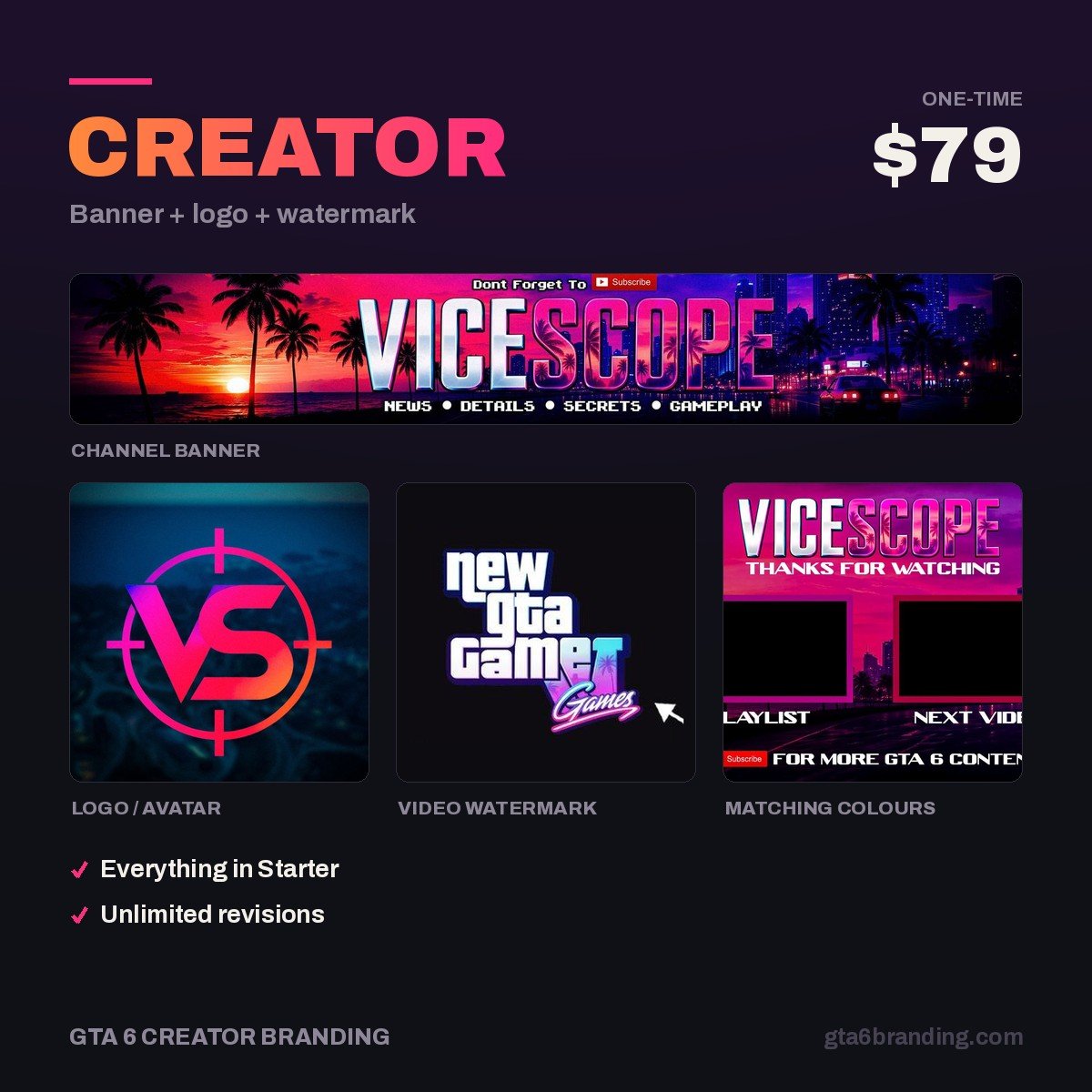
A profile picture is the one asset that appears next to every video, every comment and every Short you ever post — it is worth more than an hour in a free maker. Our Creator package ($79) delivers the logo built for the 24 px circle, the matching 2560 × 1440 banner and the 150 × 150 watermark cut from the same mark, so your channel reads as one identity everywhere it appears.
- Starter — YouTube Banner ($45)
- Creator — Banner + Logo + Watermark ($79) — the right one if you need a PFP
- Ultimate — Full Channel Identity ($199)
Where the profile picture sits in the bigger job
The PFP is one of twelve assets a channel needs before it looks finished, and it is the one that should be designed first because everything else inherits from it: the banner center, the watermark, the intro sting, the thumbnail corner badge. Do it last and you will redo the rest.
Work through the full YouTube channel branding checklist once the mark is locked, and if your channel already exists under another name, follow the gaming channel rebrand guide so the swap does not confuse the subscribers you already have.
FAQ
What size should a gaming channel profile picture be?
Export a square image at 800 × 800 pixels and keep the file under 4 MB. YouTube accepts JPG, PNG, non-animated GIF and BMP, and crops the square into a circle, so keep your mark inside the middle 672 × 672 px. Use PNG for flat logo artwork and JPG only for photographs.
Can I use a GTA 6 screenshot as my profile picture?
You should not. Rockstar’s screenshots, key art, logos and fonts are their property, and using them as channel branding both risks a takedown and makes your channel look unofficially official. Build your own mark inspired by the game’s neon-and-coastline mood instead — it is safer and far more memorable at small sizes.
Should my gaming channel profile picture be my face or a logo?
Use a logo if your content is guides, news or gameplay, because a mark is recognizable at 24 pixels while a face is not. Use a face if commentary or reactions are the product and you are the draw. If you choose a face, cut yourself out and place a single flat brand color behind you.
How often should I change my YouTube profile picture?
As rarely as possible. Recognition is built by repetition, and changing your PFP resets it. Refine the same mark rather than replacing it, and if you must change, do it once alongside your banner and watermark so the whole channel switches on the same day instead of drifting.
GTA 6 Creator Branding is an independent creator branding service and is not affiliated with Rockstar Games or Take-Two Interactive.